
GEO · AEO · Technical SEO
llms.txt vs sitemap.xml: What they mean for GEO, AEO and AI search visibility
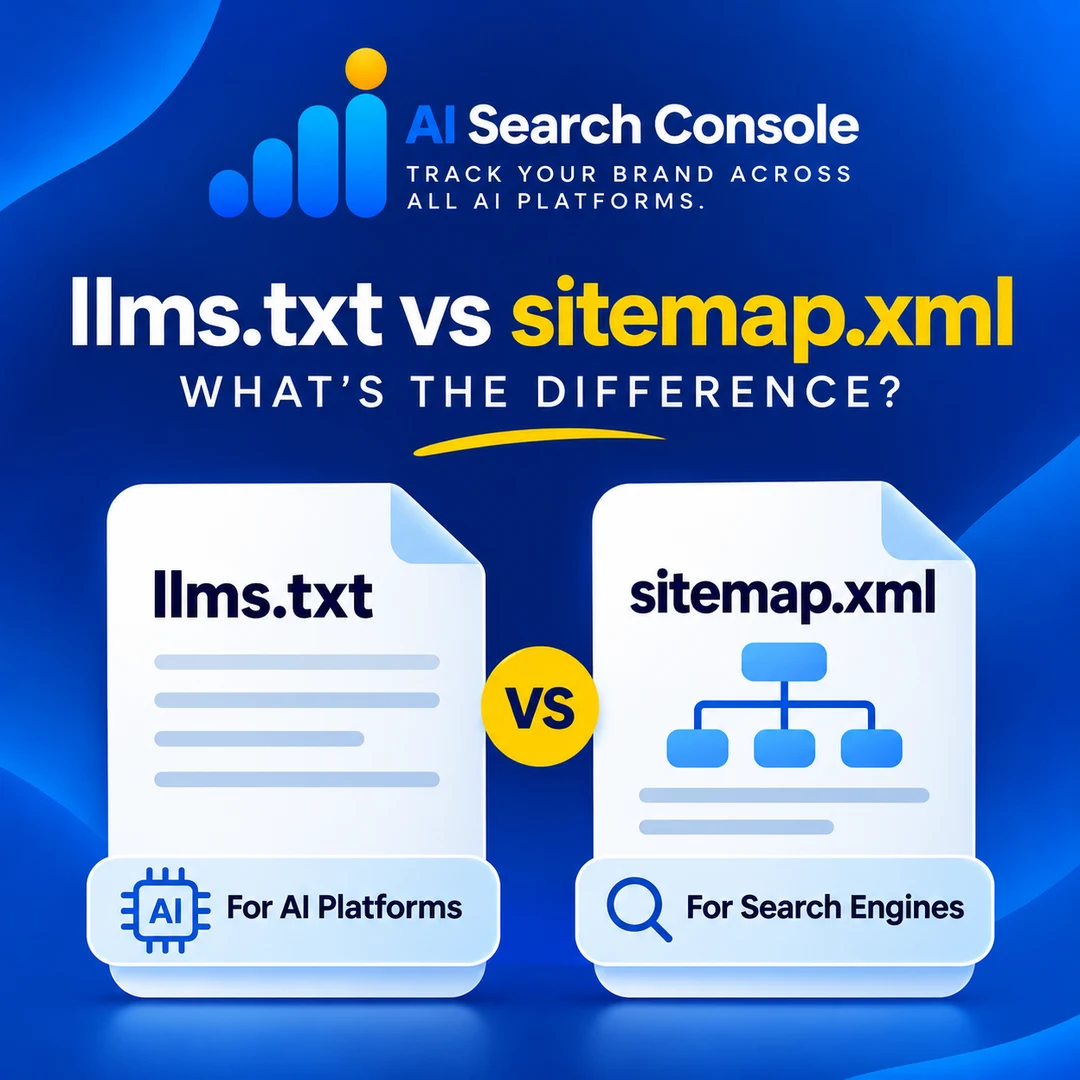
As more people use AI assistants to research products, compare services and find answers, businesses face a new question: can AI systems find and accurately understand your website?
That question connects three areas of digital marketing:
- SEO — Search engine optimisation: improving visibility in traditional search results.
- AEO — Answer engine optimisation: making content useful for systems that provide direct answers.
- GEO — Generative engine optimisation: improving the likelihood that content is accurately represented or cited in AI-generated responses.
One file attracting attention in this space is llms.txt. It provides a concise, AI-friendly introduction to a website and links to useful resources. But how important is it? Does it improve AI rankings? And how does it compare with the familiar sitemap.xml?
What is llms.txt?
An llms.txt file is a Markdown-formatted text file designed to help large language models and AI agents navigate useful information on a website. It is commonly published at https://example.com/llms.txt.
The llms.txt proposal describes a structure containing a website or project name, a short summary, background information and organised links to detailed resources. Those links should ideally lead to clean, AI-friendly content, such as Markdown versions of important pages.
For a business, this could include:
- What the business does.
- Its main products and services.
- The locations or customers it serves.
- Product documentation and factual service information.
- Relevant policies, FAQs and supporting resources.
Unlike a full inventory of website URLs, llms.txt is selective. Its purpose is to help an agent identify which information is relevant without having to process the entire website.
Why can llms.txt matter for GEO and AEO?
AI systems need more than a business name. To answer a question accurately, they may need to understand what a company offers, who it serves and what evidence supports its claims. A well-maintained llms.txt file can support that process when an AI tool actually reads and uses it.
1. It provides clear business context
A website may spread essential information across its homepage, service pages, documentation and policies. An llms.txt file can bring a concise introduction and links to those sources together. This may help a consuming agent distinguish between similar products, identify relevant services and find the right documentation.
However, the file should reflect the public website—not introduce contradictory descriptions or unsupported claims.
2. It directs agents towards useful source material
Not every page is equally useful for answering a customer’s question. A detailed service explanation, current product specification or clear policy may be more relevant than a tag archive or an old promotional article. An llms.txt file allows a publisher to organise these resources and explain what each contains.
That guidance can assist navigation. It does not force an AI system to trust, cite or recommend the business.
3. It can reduce unnecessary content processing
Web pages often contain menus, scripts, repeated footers and other elements unrelated to the question being answered. A concise overview linked to clean Markdown resources can make information easier for compatible agents to retrieve and process. This is particularly useful for documentation-heavy websites, where an agent needs a specific technical answer rather than the full browsing experience.
4. It encourages better information management
Preparing an llms.txt file can reveal weaknesses in the underlying website:
- Unclear service descriptions.
- Missing answers to common questions.
- Outdated product details.
- Inconsistent business information.
- Important resources that are difficult to find.
Fixing those problems benefits people and automated systems, regardless of whether a particular AI platform uses the file.
Does llms.txt improve AI rankings?
It should not be presented as a proven, universal ranking factor.
Publishing llms.txt does not guarantee that ChatGPT, Google’s AI features or another assistant will discover it, use it or cite your website. There is also no single “AI ranking” shared across all platforms. Results vary by provider, question, location, available sources and whether the system uses live search.
Google’s guidance for AI features says that the established SEO fundamentals remain relevant. To appear as a supporting link in AI Overviews or AI Mode, a page must be indexed and eligible to appear in Google Search with a snippet. Google states that there are no additional technical requirements.
Treat llms.txt as a supplementary resource for compatible AI agents—not a shortcut around content quality, crawlability or credibility.
What is sitemap.xml?
An XML sitemap is a machine-readable file that lists website URLs and can include information such as when a page was last meaningfully updated. It is often published at https://example.com/sitemap.xml.
Search engines use sitemaps to discover content and crawl websites more efficiently. They can be especially helpful for large websites, new websites and sites with specialised media content.
A sitemap helps communicate:
- Which URLs you want search engines to discover.
- Which canonical pages belong in your search-facing inventory.
- When listed content has changed.
- Additional information about supported content types.
However, a sitemap does not guarantee that a page will be crawled, indexed or ranked. Search engines still assess the page itself.
llms.txt vs sitemap.xml: The main differences
| Area | llms.txt | sitemap.xml |
|---|---|---|
| Main purpose | Provide curated context and links for AI agents | Help search engines discover website URLs |
| Format | Markdown-formatted text | XML |
| Typical content | Summary, explanatory notes and grouped resource links | URLs and optional metadata |
| Coverage | Selected information useful for understanding the site | A broader inventory of canonical, indexable URLs |
| Page descriptions | Can explain what a linked resource contains | Standard URL entries do not provide narrative summaries |
| Adoption | An evolving proposal with tool-dependent usage | An established search-engine protocol |
| Ranking guarantee | None | None |
| Best role | Supplement AI-friendly content access | Support crawl discovery and technical SEO |
A sitemap answers “Which pages are available?” An llms.txt file helps answer “Where should an AI agent look for the information it needs?”
Should you use both?
For many websites, using both is reasonable because they serve different purposes. Consider a company selling accounting software. Its XML sitemap might list product pages, integrations, help articles, pricing pages and blog posts.
Its llms.txt file could introduce the product and organise links to:
- Supported business types.
- Current features and limitations.
- Integration documentation.
- Pricing explanations.
- Security and data-handling policies.
An agent consulting that file could find relevant information more directly. Meanwhile, the XML sitemap continues to support search-engine discovery. Neither file replaces the actual pages. Those pages still need to be accessible, accurate and useful.
How to create a useful llms.txt file
Start with a factual introduction
State who you are, what you provide and who you serve. Avoid exaggerated claims such as “the best provider” unless they are clearly qualified and supported.
Link to authoritative, current resources
Choose pages that answer real questions. Prefer original documentation, detailed service information and maintained policies over thin promotional content. Where available, link to clean Markdown versions that stay consistent with the corresponding public pages.
Keep it concise
Do not copy every URL from your sitemap. Organise important resources under clear headings and provide a short description for each.
Maintain it alongside the website
Update the file when services, products, policies or linked URLs change. An outdated guide can direct agents towards incorrect information.
Test it without confusing access with adoption
Check that the file loads publicly and its links work. You can also give an AI agent the file as a starting point and assess whether it can find accurate answers. That tests the file’s usefulness. It does not prove that an AI search platform will discover or use it independently.
What should you prioritise first?
If your time or budget is limited, prioritise:
- Accessible pages: resolve broken URLs, unintended crawl blocks and indexing problems.
- Useful content: answer customers’ questions with clear, specific and verifiable information.
- Good internal links: make important pages easy to discover.
- Accurate structured data: ensure markup matches visible content.
- A maintained XML sitemap: list the canonical pages you want discovered.
- A curated llms.txt file: add it as a supplementary resource where it can be maintained effectively.
Measure outcomes through relevant mentions, citations, referral traffic and conversions—not simply whether a file exists. A change in visibility after adding llms.txt is not, by itself, proof that the file caused it.
The bottom line
llms.txt and sitemap.xml are complementary, not competing, files.
Your sitemap supports discovery. Your llms.txt file can support navigation and understanding for AI agents that consume it. Your content provides the substance those systems need.
For GEO, AEO and broader AI visibility, the strongest approach is to make your website easy to access, clear to interpret and reliable enough to reference. llms.txt can contribute to that approach, but it should never be sold as a guaranteed ranking boost.
Sources
Continue reading: What are GEO and AEO? Or explore AI Search Console’s tools.